Web DevelopmentJuly 27, 2026· 6 min read
Why Is Your Website Slow? Complete Guide to Speed Up Your Website in 2026
A slow website affects search rankings, user experience, conversions, and revenue. Learn the most common reasons websites become slow and the proven techniques to improve website speed for better SEO and higher sales.
Apex Infinity Tech
Apex Infinity Tech
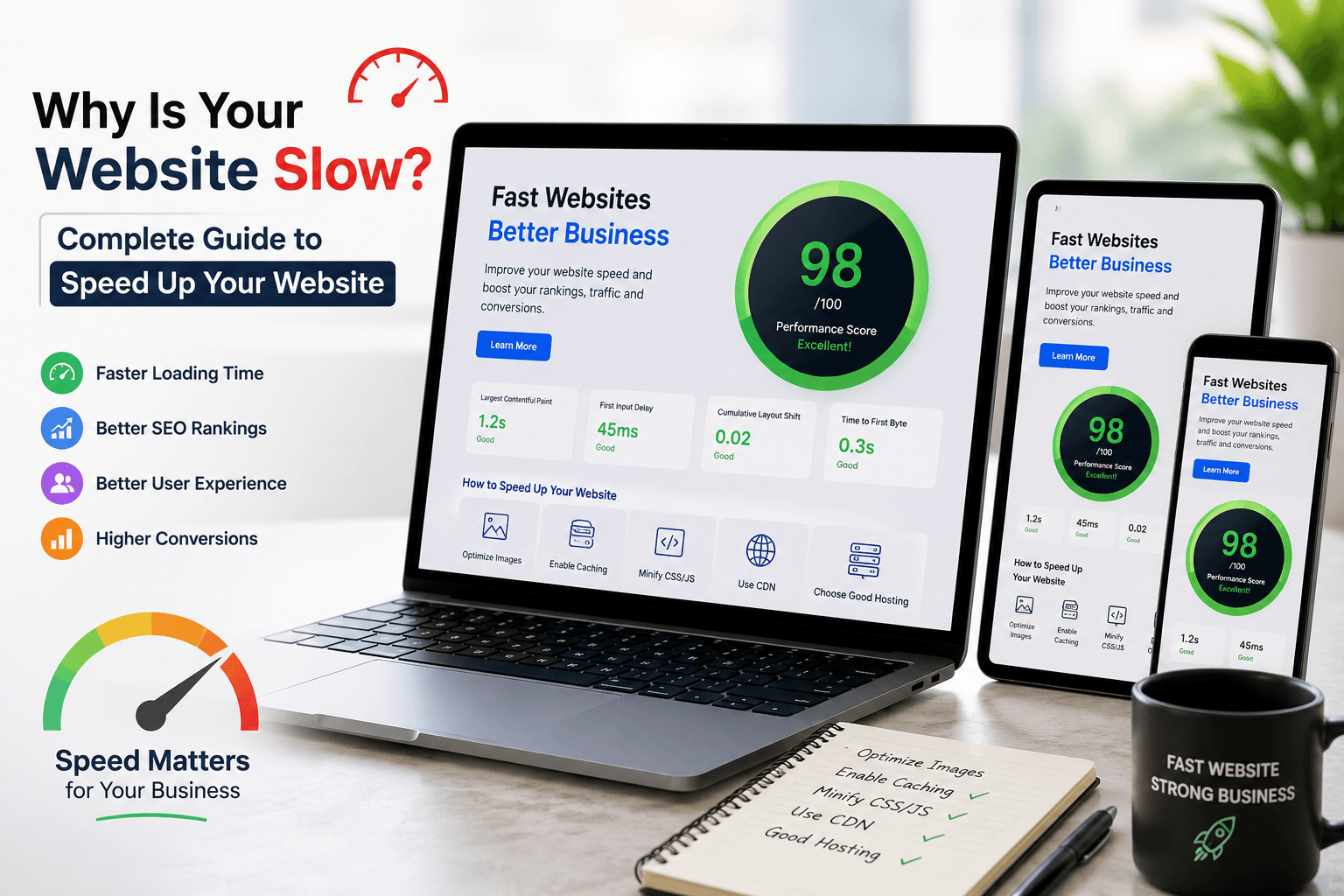
Why Is Your Website Slow? Complete Guide to Speed Up Your Website in 2026
Website speed is one of the most important factors for user experience, search engine rankings, and online conversions. Visitors expect a webpage to load almost instantly. If your website takes more than a few seconds to open, many users leave before viewing your content.
Google also considers website speed as a ranking factor. Faster websites usually perform better in search results because they provide a better experience for visitors.
This guide explains why websites become slow and how to improve website performance using proven optimization techniques.
Why Website Speed Matters
A fast website provides benefits across every part of your business.
Better Search Engine Rankings
Google uses page experience and Core Web Vitals when evaluating websites. Faster pages have a better chance of ranking higher in search results.
Better User Experience
Visitors stay longer when pages load quickly. A smooth browsing experience encourages users to explore more pages.
Higher Conversion Rate
Every second of delay can reduce sales, form submissions, and inquiries.
Lower Bounce Rate
Users rarely wait for slow websites. Improving speed keeps visitors engaged.
Better Mobile Performance
Most internet traffic now comes from smartphones. A lightweight website loads much faster on mobile networks.
Signs Your Website Is Slow
Your website may have speed issues if you notice any of these symptoms.
- Homepage takes more than 3 seconds to load
- Images appear slowly
- Scrolling feels laggy
- Google PageSpeed score is below 80
- High bounce rate in Google Analytics
- Low Core Web Vitals score
- Slow checkout process
- Users complain about loading time
Main Reasons Websites Become Slow
1. Large Image Files
One of the biggest causes of slow websites is oversized images.
Many websites upload photos directly from cameras or design software without optimization. A single image may be 8 MB or larger.
Solution
- Compress images before uploading
- Use WebP format
- Resize images according to display size
- Enable lazy loading
Recommended tools
- TinyPNG
- Squoosh
- ImageOptim
2. Poor Web Hosting
Cheap hosting often places hundreds of websites on the same server.
During peak traffic, websites become slow because server resources are shared.
Solution
Upgrade to
- VPS Hosting
- Cloud Hosting
- Dedicated Server
- Managed WordPress Hosting
Reliable hosting improves response time significantly.
3. Too Many Plugins
This problem is common in WordPress websites.
Many plugins continuously load scripts, CSS files, fonts, and database queries.
Some websites have over 50 plugins installed.
Solution
Remove unused plugins.
Replace multiple plugins with one optimized plugin whenever possible.
Keep only trusted plugins.
4. Unoptimized Code
Large CSS files
Unused JavaScript
Inline scripts
Poor coding practices
All increase page loading time.
Solution
- Minify CSS
- Minify JavaScript
- Remove unused code
- Combine files where possible
- Load JavaScript after page content
5. Too Many HTTP Requests
Every webpage loads
- Images
- Fonts
- CSS
- JavaScript
- Icons
- Videos
Each request adds loading time.
Solution
Reduce unnecessary files.
Combine CSS.
Combine JavaScript.
Use SVG icons instead of multiple images.
6. No Browser Caching
Without caching, every visitor downloads every file each time they visit.
Solution
Enable browser caching.
Static files should remain cached for weeks or months.
Examples include
- Logo
- CSS
- JavaScript
- Fonts
7. No CDN
Visitors located far from your server experience slower loading.
A Content Delivery Network stores copies of your website in multiple countries.
Popular CDN Providers
- Cloudflare
- Bunny CDN
- Amazon CloudFront
- Fastly
A CDN reduces loading time worldwide.
8. Render Blocking Resources
Some CSS and JavaScript files prevent the page from displaying until they finish loading.
Solution
Load critical CSS first.
Delay unnecessary JavaScript.
Use asynchronous loading.
9. Large Videos
Uploading large videos directly to your website consumes significant bandwidth.
Solution
Host videos on
- YouTube
- Vimeo
Embed the video instead of uploading it.
10. Slow Database
As websites grow, databases become cluttered with
- Spam comments
- Old revisions
- Temporary files
- Unused tables
Solution
Optimize the database regularly.
Remove unnecessary data.
Repair damaged tables.
Google Core Web Vitals
Google measures website experience using three important metrics.
Largest Contentful Paint (LCP)
Measures loading speed.
Target
Less than 2.5 seconds.
Interaction to Next Paint (INP)
Measures responsiveness.
Target
Less than 200 milliseconds.
Cumulative Layout Shift (CLS)
Measures visual stability.
Target
Less than 0.1.
Best Website Speed Optimization Techniques
Compress Images
Use WebP images.
Resize before uploading.
Enable lazy loading.
Enable GZIP or Brotli Compression
Compression reduces file sizes before sending them to browsers.
This reduces bandwidth and speeds up loading.
Enable Browser Caching
Store frequently used files in visitors' browsers.
Returning visitors experience much faster loading.
Use HTTP/2 or HTTP/3
Modern protocols allow multiple files to download simultaneously.
Performance improves significantly.
Optimize Fonts
Limit font families.
Use WOFF2 fonts.
Load only required font weights.
Reduce Third Party Scripts
Marketing tools often add
- Chat widgets
- Analytics
- Facebook Pixel
- Heatmaps
- Advertisements
Only install scripts that are truly necessary.
Remove Unused CSS
Many themes load CSS that is never used.
Removing unused styles improves performance.
Delay JavaScript
Load JavaScript after important page content.
Visitors can interact with the page sooner.
Optimize Mobile Performance
Use responsive images.
Reduce animations.
Simplify layouts.
Avoid unnecessary popups.
Keep Software Updated
Always update
- CMS
- Themes
- Plugins
- Frameworks
Updates often include important performance improvements.
Website Speed Testing Tools
Use these tools regularly.
Google PageSpeed Insights
Measures Core Web Vitals and performance.
GTmetrix
Provides waterfall analysis and loading recommendations.
Pingdom
Shows overall loading time and page size.
Lighthouse
Built into Google Chrome Developer Tools.
Excellent for performance audits.
Ideal Website Performance Targets
A high performance website should achieve
| Metric | Recommended Value |
|---------|------------------|
| Load Time | Under 2 seconds |
| First Byte | Under 200 ms |
| Page Size | Under 2 MB |
| Requests | Under 70 |
| Core Web Vitals | Pass |
| Mobile Score | Above 90 |
| Desktop Score | Above 95 |
Common Website Speed Mistakes
Many businesses unknowingly slow down their websites by
- Uploading large images
- Installing unnecessary plugins
- Using poor quality hosting
- Ignoring Core Web Vitals
- Adding excessive animations
- Loading multiple font families
- Embedding too many videos
- Not using browser caching
- Ignoring database optimization
- Never testing website performance
Website Speed Checklist
Before launching or updating your website, verify the following.
✅ Images optimized
✅ WebP images enabled
✅ Lazy loading active
✅ Browser caching enabled
✅ GZIP or Brotli enabled
✅ CDN configured
✅ Database optimized
✅ CSS minimized
✅ JavaScript minimized
✅ Unused plugins removed
✅ HTTP/2 enabled
✅ SSL installed
✅ Core Web Vitals passing
✅ Mobile performance tested
Final Thoughts
Website speed is no longer optional. A fast website improves user experience, increases search visibility, and helps convert more visitors into customers. Even small improvements such as compressing images, enabling caching, optimizing code, and upgrading hosting can significantly reduce loading times.
Regular performance testing and ongoing optimization ensure that your website continues to perform well as content and traffic grow. Investing in website speed is one of the most effective ways to improve SEO, customer satisfaction, and business growth.
Frequently Asked Questions
What is considered a fast website?
A website that loads in less than two seconds is generally considered fast.
Does website speed affect SEO?
Yes. Google uses page speed and Core Web Vitals as ranking signals.
Which image format is best for websites?
Web provides excellent quality with much smaller file sizes than JPEG or PNG.
Does better hosting improve website speed?
Yes. Reliable cloud or VPS hosting often reduces server response time and improves overall performance.
How often should website speed be tested?
Website performance should be checked at least once every month and after major updates or redesigns.